
Defined Placement
Install devices according to the approved network and rack design.
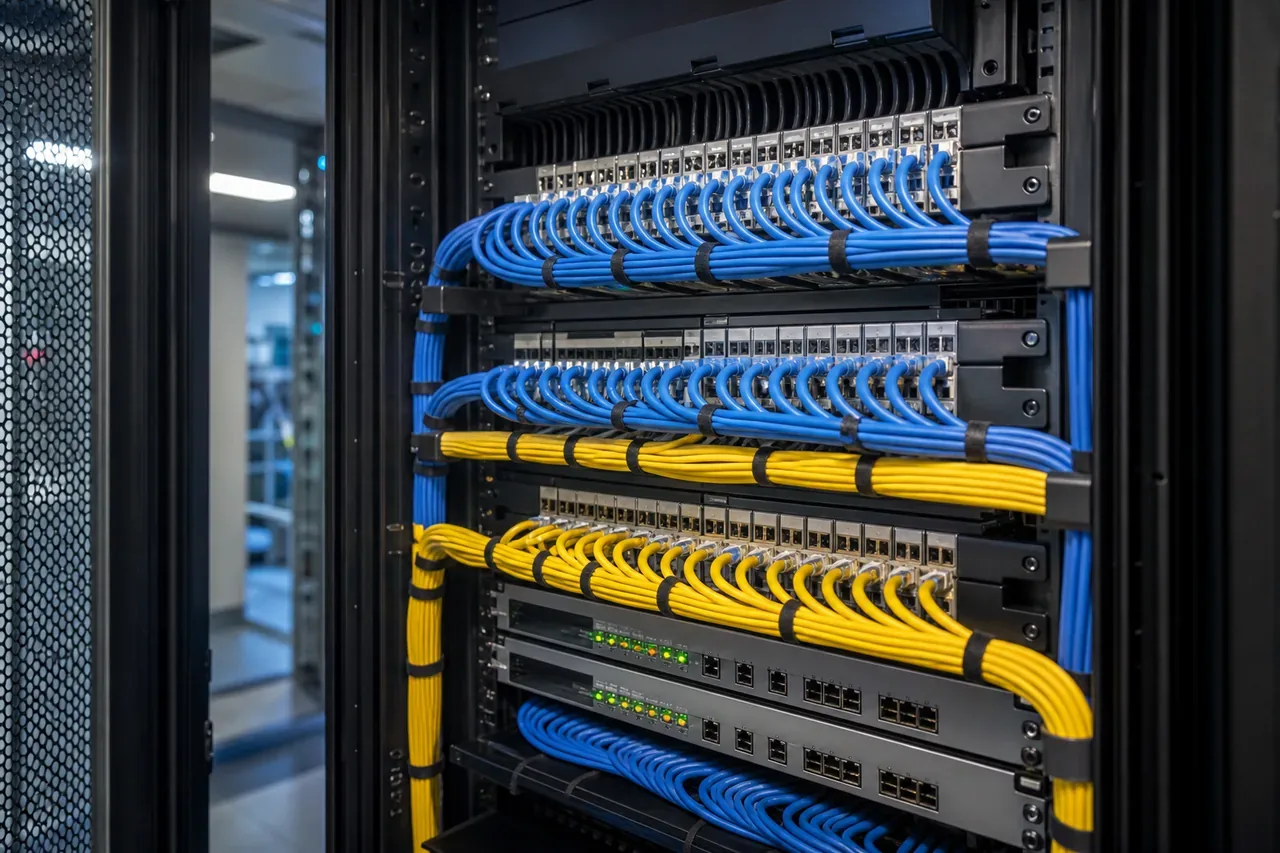
Deploy switches, routers, firewalls and network appliances with clear placement, structured connectivity and onsite execution aligned with the wider network environment.
Good network deployment begins with a clear understanding of the equipment and its role.
Ideal Solutions reviews the proposed network devices, intended rack positions and available infrastructure information before installation begins.
Switches, routers, firewalls and appliances may have different mounting, power and connectivity requirements.
Identifying those requirements early helps reduce delays and makes the onsite work easier to coordinate.
Where the wider design already exists, we work from the approved plan.
Where clarification is still needed, the installation should not proceed on assumptions.
Define Your Installation ScopeWhere a device is placed affects access, cabling and future support.
Ideal Solutions provides onsite installation for suitable network equipment within data centre and enterprise environments.
Devices are mounted and positioned according to the agreed rack layout and installation requirements.
The objective is to leave network hardware positioned in a way that supports the connection and configuration work that follows.
Plan Your Network Hardware InstallationThe physical installation should support a clean and understandable connectivity path.
Where included in scope, Ideal Solutions completes agreed power and network connections based on the available connection schedule.
Cable routing, identification and organisation should be planned around the surrounding rack environment.
Discuss Your Connectivity RequirementsA network device can be physically installed while configuration and validation are still outstanding.
Ideal Solutions reviews the completed physical installation against the agreed scope.
Relevant device information, installation status and outstanding tasks can then be handed back to the responsible network team.
Discuss Installation and HandoverSuitable switches, routers, firewalls, network appliances and related rack-mounted devices can be supported depending on the project scope.
Configuration should be defined separately where required. Physical installation and network configuration are related but distinct tasks.
Yes, where available space, access conditions and surrounding infrastructure have been reviewed.
Yes. Share the device details, mounting requirements and project information before scheduling the work.
Yes. Structured cabling and cable-management services can be coordinated where they are part of the project.
From network hardware and structured cabling to configuration, documentation and remediation, Ideal Solutions helps organisations build and maintain connectivity that is easier to trace, change and support.